A simple bot which allows users to execute short-lived Javascript code snippets directly in Slack.
-
Create a new app on Slack or have your administrator do it for you.
-
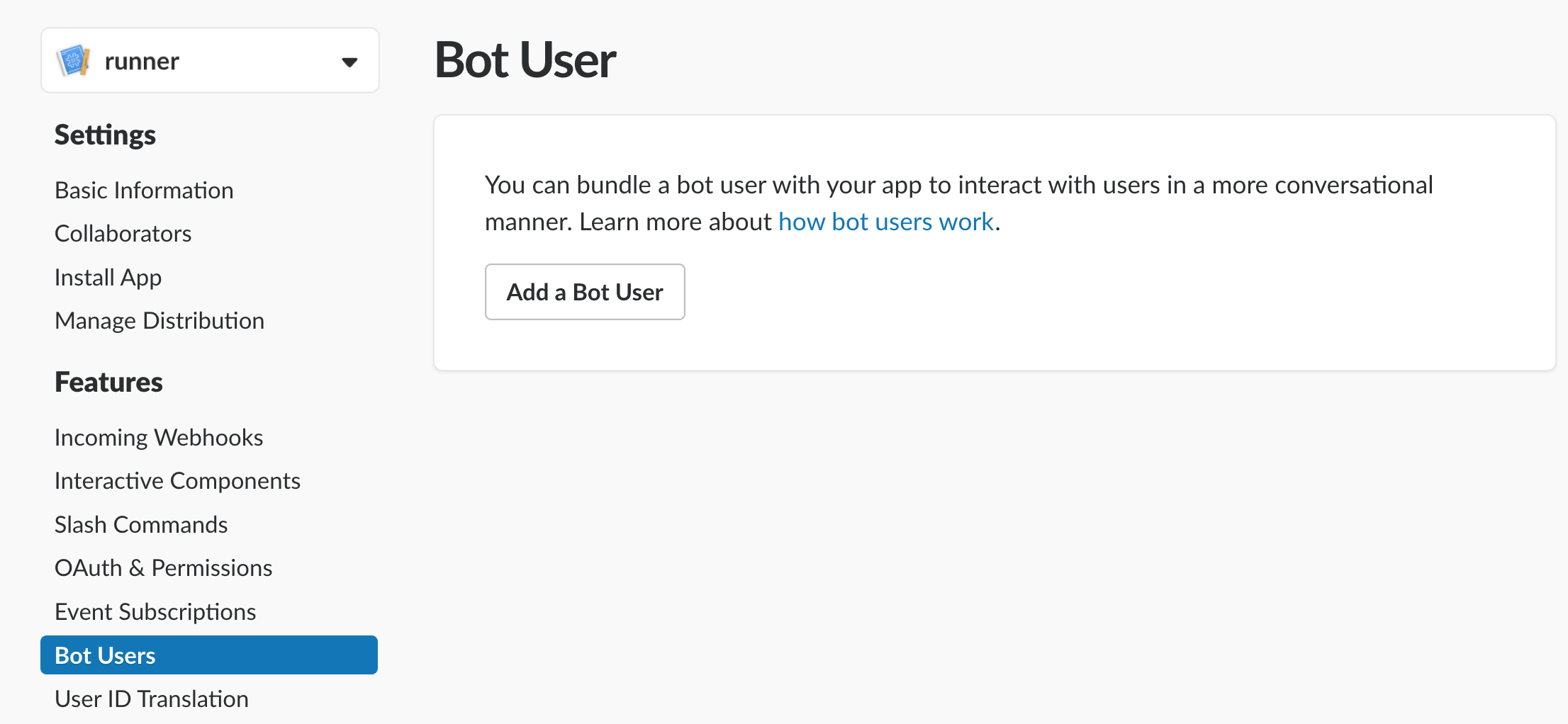
Add a bot user to the newly created app.
-
Navigate to the
OAuth & Permissionstab and add a Permissions Scope. To keep things simple for this examplechannel:writeis used. This may differ depending on your own security considerations. You can find a list of all possible scopes and their implications here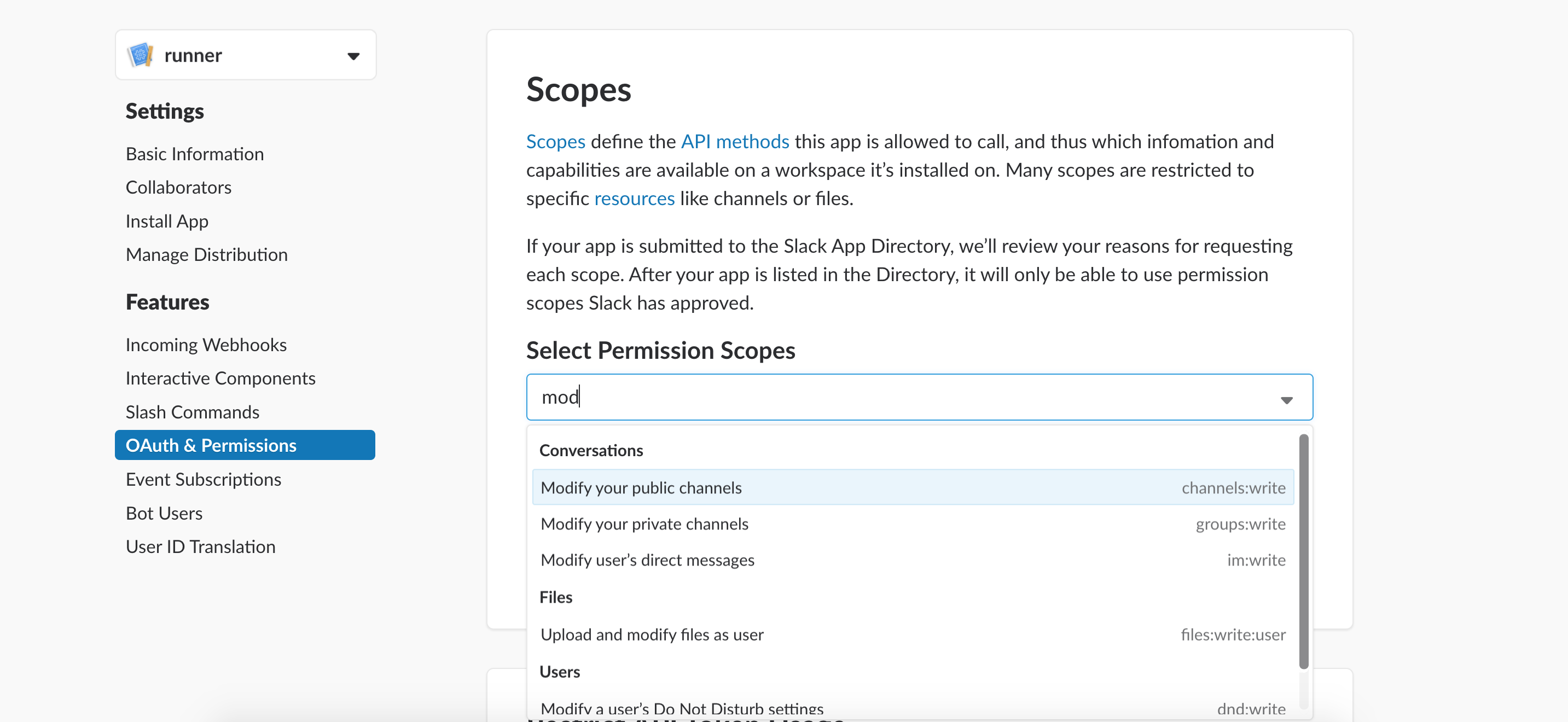
-
Install the app to your Slack workspace by using the
Install App to Workspacebutton located at the top of the same page you just used to add Permission Scopes.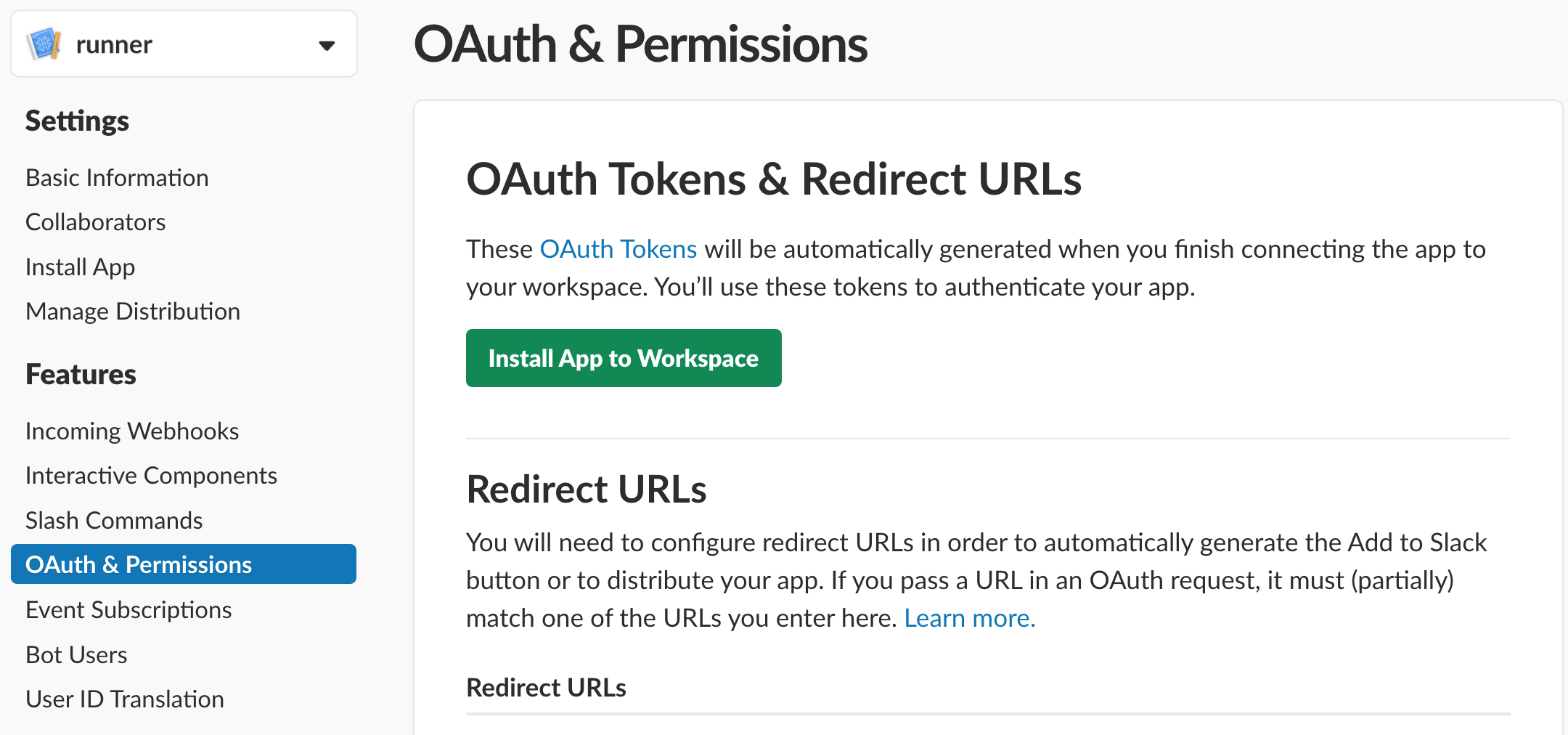
-
Obtain the
Bot User OAuth Access Tokenfrom the Slack webUI (inside the red box) and export it.https://api.slack.com/apps/<APP_ID>/oauth?
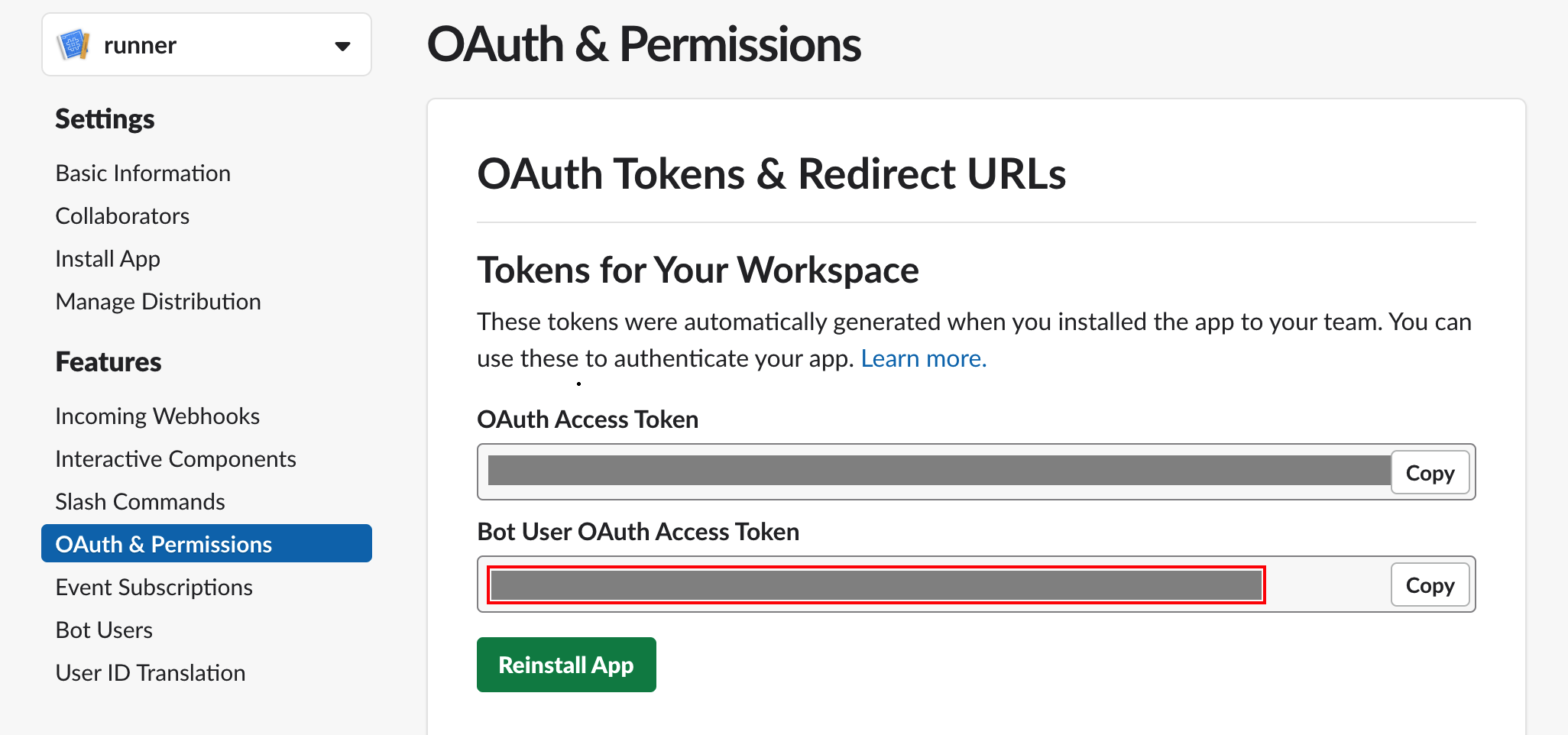
export SLACK_BOT_TOKEN=<YOUR_TOKEN_HERE> -
Deploy the Binaris function
bn deploy public_slackCodeRunner. -
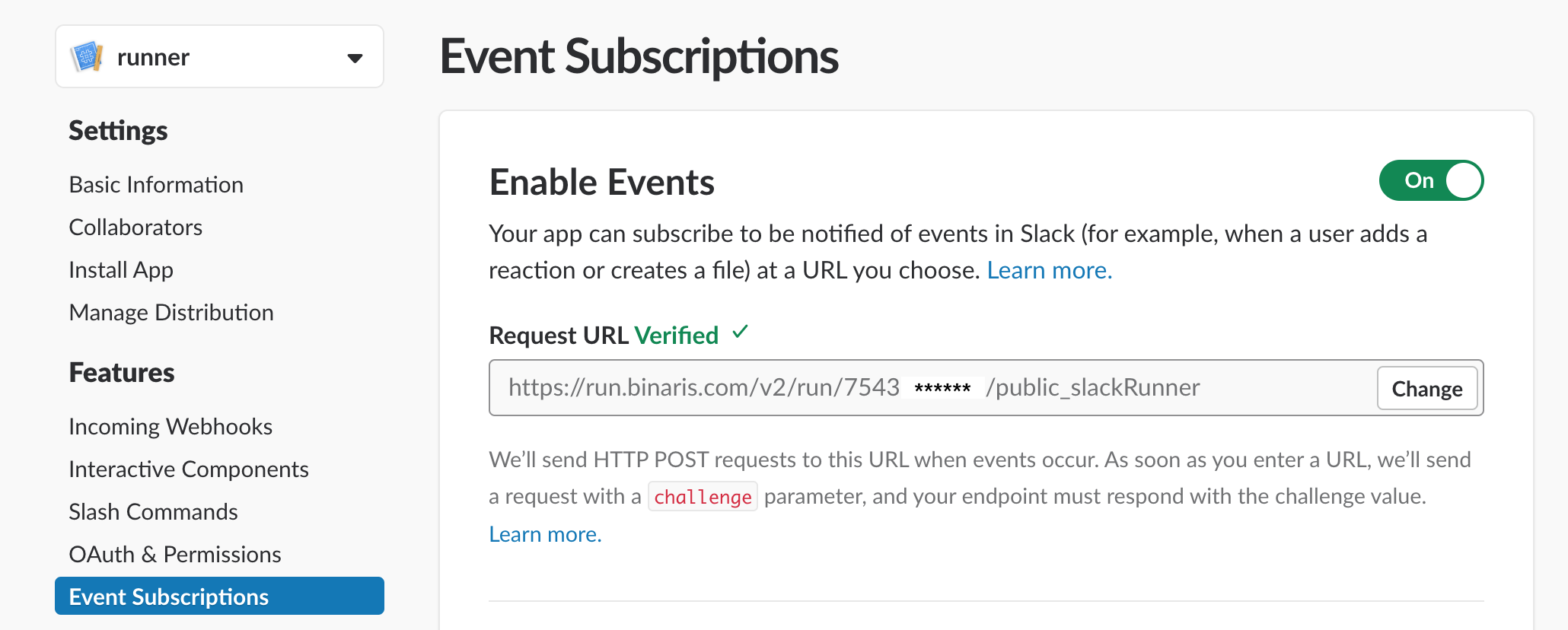
Copy the URL printed by
bn deployand enter it as theRequest URLon the "Event Subscriptions" page in the Slack webUI. This will send your function-bot a challenge.https://api.slack.com/apps/<APP_ID>/event-subscriptions?
-
Finally, on the same "Event Subscriptions" page scroll slightly down and "Add Bot User Event". There are many options here but if you want your bot to respond in all public channels (that it's been invited to) use
message.channels.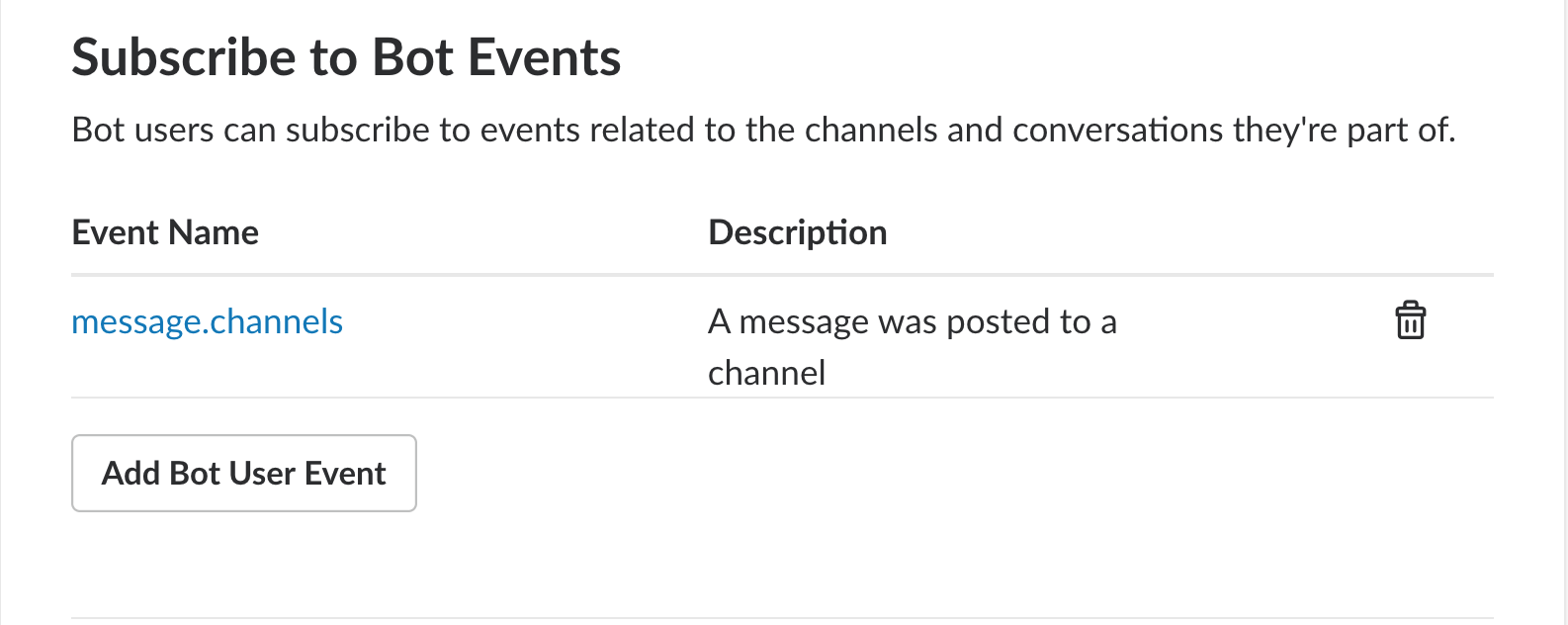
-
You may need to reinstall your slack application to take advantage of the changes.
https://api.slack.com/apps/<APP_ID>/install-on-team?
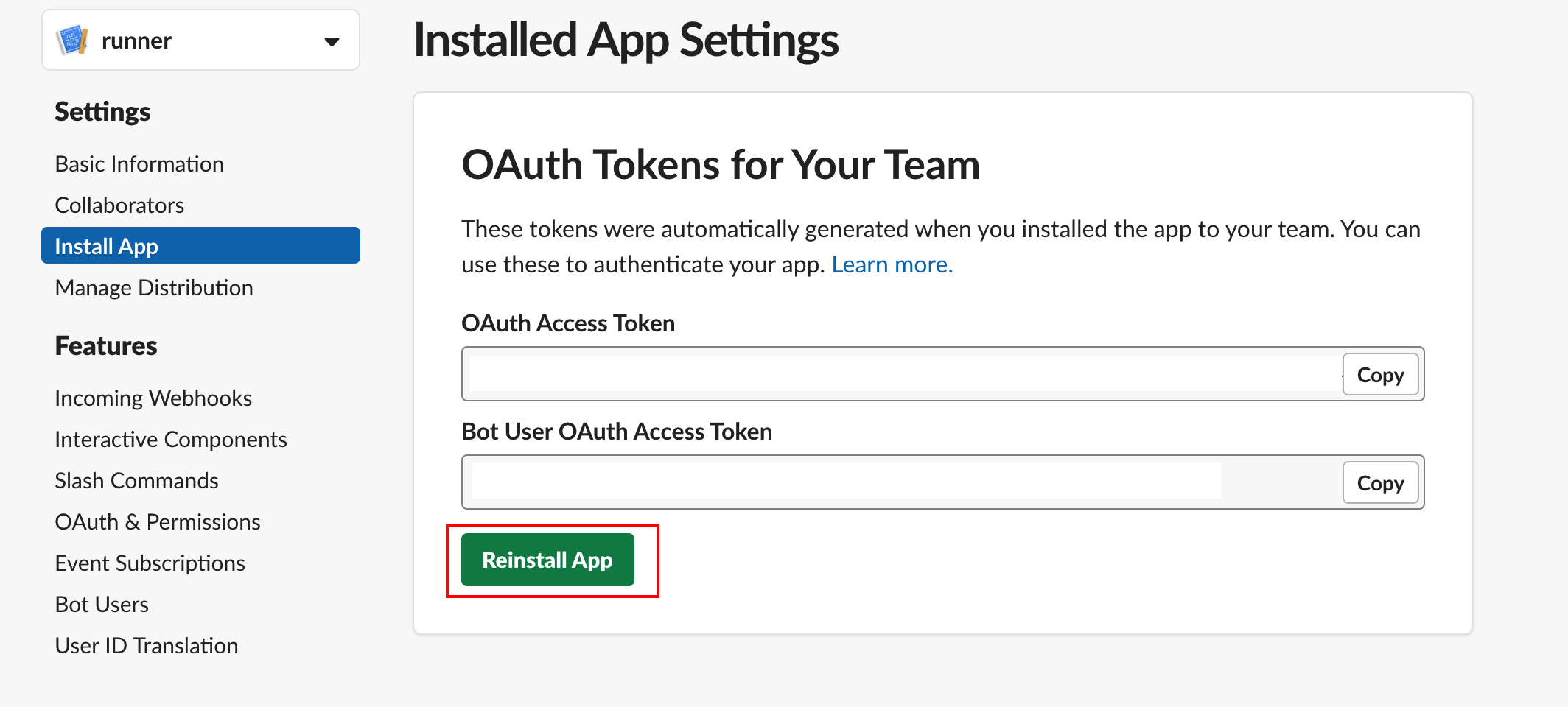
You will first need to invite your bot to any channels you plan to interact with it on.

You should now be able to test your function-bot in action by sending a message such as
@provemewrong
```
const a = 5;
const b = 10;
return a + b;
```
Expected Response
Output
15
In addition to the per function isolation that Binaris provides, this bot uses the VM2 module which offers further code execution isolation. By default, require and other OS based NodeJS calls are disabled.